Form submissions go nowhere useful
Inquiries arrive, but they are not automatically organized, tagged, or followed up.
Development & Automation
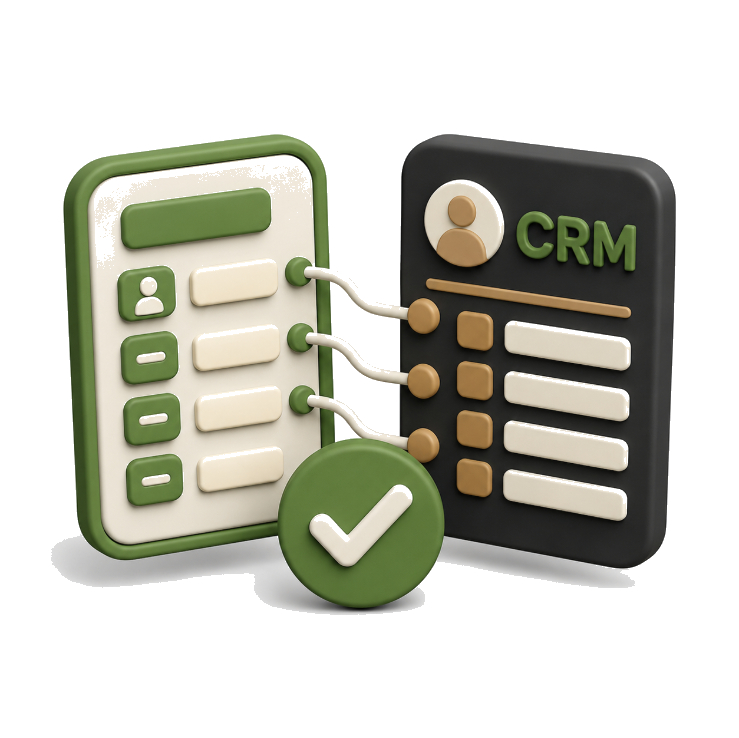
Connect forms, routing, notifications, and CRM fields so every inquiry lands in the right place with the right context.

What clients feel first
Inquiries arrive, but they are not automatically organized, tagged, or followed up.
The team sees a name and message, but not the full customer intent or journey.
Without connected systems, leads can be delayed, duplicated, or forgotten.
Who we are
We connect forms, CRMs, and follow-up tools so every inquiry is captured, organized, and acted on — without manual sorting or missed leads.




The work path
We review your forms, CRM, lead process, tracking needs, and technical setup, then provide a clear proposal.
After payment or deposit, we collect access, confirm the form fields, CRM workflow, integrations, and project timeline.
We define what information to collect, where each lead should go, and what should happen after submission.
We build or improve contact, quote, booking, application, or lead-generation forms for your website.
We connect the form to your CRM and map each field so lead information is stored accurately.
We configure confirmation messages, internal alerts, lead assignment, tags, and basic follow-up workflows where included.
We track successful submissions, button clicks, bookings, or other agreed conversions in analytics and advertising platforms.
We test the full lead journey and provide the completed form, CRM connection, tracking setup, and usage guidance.
Cost of delay
Without proper CRM or form integration, leads may sit in inboxes, spreadsheets, or tools that no one checks fast enough.
Sales and service teams may not know who contacted, what they asked, or what step should happen next.
If lead sources and customer details are not connected, it becomes harder to measure which channels create real opportunities.
Success stories
Before this, our forms and follow-up process were too disconnected. Evergrowth Digital's work made lead handling feel much more organized and easier to manage.

Sarah
Admissions Coordinator
We were losing track of inquiries because information was landing in too many places. Once the systems were connected, the process became much cleaner.

Tony
Service Company Owner
The form setup and CRM connection gave our team a better flow for managing responses. It reduced manual work and made follow-up more consistent.

Elaine
Nonprofit Program Manager
Arjun helped streamline the backend in a way that was practical for the team. It's one of those improvements people don't see publicly, but it makes daily operations better.

Hugo
Sales Manager
What I liked most was the reliability. Evergrowth Digital's integration reduced missed inquiries and gave us more confidence that the right information was going to the right place.

Brenda
Legal Office Administrator

Shopify

WordPress

Framer

Webflow
Shopify
WordPress
Framer
Webflow
Shopify
WordPress
Shopify
WordPress
Framer
Webflow
Shopify
WordPress
Framer
Webflow
Shopify
WordPress
Next step
Route form submissions, lead details, and follow-ups into one cleaner system so fewer opportunities get missed.
FAQ
CRM/form integration means connecting your website forms with your company's CRM system so new inquiries are automatically captured, organized, and ready for follow-up. Instead of receiving form submissions only by email, the lead can be saved into tools such as HubSpot, Zoho, Salesforce, Mailchimp, Google Sheets, or another CRM system. This helps your business manage leads more clearly and prepare for future automation.
Connecting forms to a CRM helps prevent leads from getting lost in email inboxes. It also gives your team a central place to view contact details, service interests, source information, follow-up status, and sales notes. For Vancouver and Greater Vancouver businesses, this can make the sales process more organized, especially when multiple people are handling inquiries.
Evergrowth Digital can help connect different types of forms, including contact forms, quote request forms, booking inquiry forms, lead magnet forms, newsletter signup forms, service inquiry forms, demo request forms, and campaign landing page forms. The right form structure depends on what information your sales or marketing team needs after someone submits.
Yes. HubSpot is a common option for CRM/form integration because it supports lead capture, contact organization, segmentation, lead scoring, and marketing follow-up. Depending on your setup, we can help embed HubSpot forms, connect existing website forms to HubSpot, map form fields, and prepare the CRM for later automation.
Yes. Once a form is connected to a CRM, submissions can trigger automation such as confirmation emails, internal notifications, task creation, lead assignment, segmentation, follow-up reminders, email nurture sequences, or deal creation. A strong setup helps your team respond faster and keep the lead journey more consistent.
Your form should collect enough information to qualify and follow up with the lead, but not so much that people abandon it. Common fields include name, email, phone number, company name, service interest, budget range, timeline, location, and message. A good rule: ask only for information you will actually use in sales, support, or automation.
Yes. Depending on your website and CRM setup, we can help track lead sources through UTM parameters, hidden form fields, landing page URLs, campaign names, referral sources, and analytics events. This helps you understand whether leads came from Google Ads, organic search, social media, email, referral traffic, or a specific campaign page.
CRM/form integration supports lead nurturing by saving form submissions into a system where contacts can be segmented and followed up based on their interest. For example, someone who requests a quote may need a sales follow-up, while someone who downloads a guide may need an educational email sequence. CRM-integrated forms can help automate personalized follow-up and track the lead journey through the sales funnel.
Not always. If you already use a CRM, we can review how your forms should connect to it. If you do not have one yet, we can help you think through what type of CRM or lead management setup makes sense for your business. Some small businesses may start with a simple form-to-email or form-to-spreadsheet setup, then move into a CRM when the lead volume grows.
A proper setup should be tested before launch. This may include checking form submission, CRM contact creation, field mapping, email notifications, automation triggers, UTM tracking, thank-you page redirects, and analytics events. Evergrowth Digital focuses on making sure the form does not just look right, but actually sends the right data to the right place.